1.Configure AC-PLC
Whitelist setting
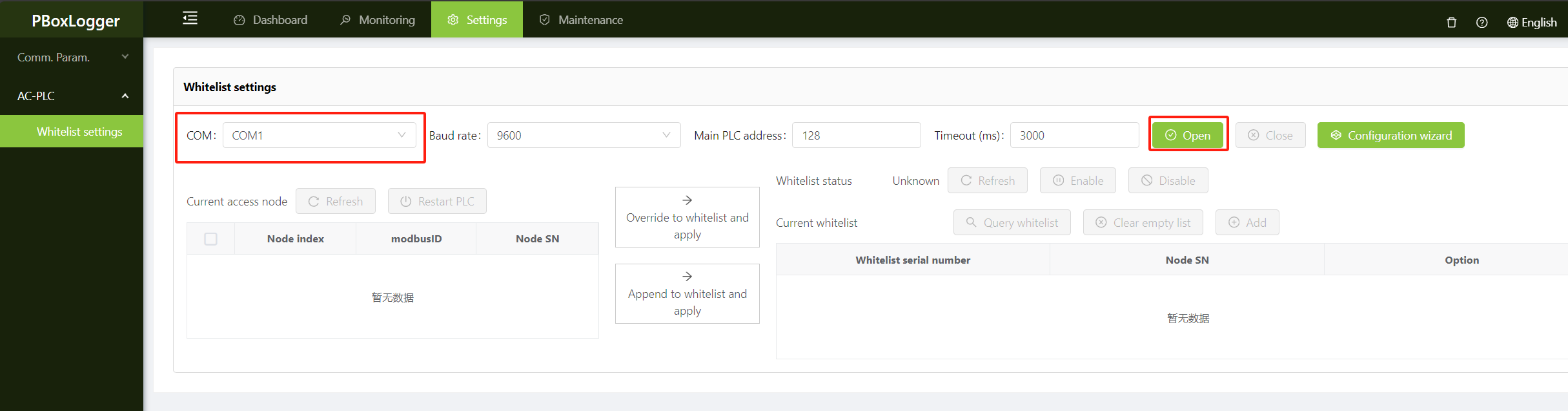
1.Open serial port
Select the serial port to operate, baud rate and master PLC address according to the actual configuration (usually keep the default can be), click the open button, you can open the serial port。
tip
Enabling a serial port temporarily stops the service communication under the serial port. Ensure that services are not affected before you perform this operation。
2.Disabling whitelisting
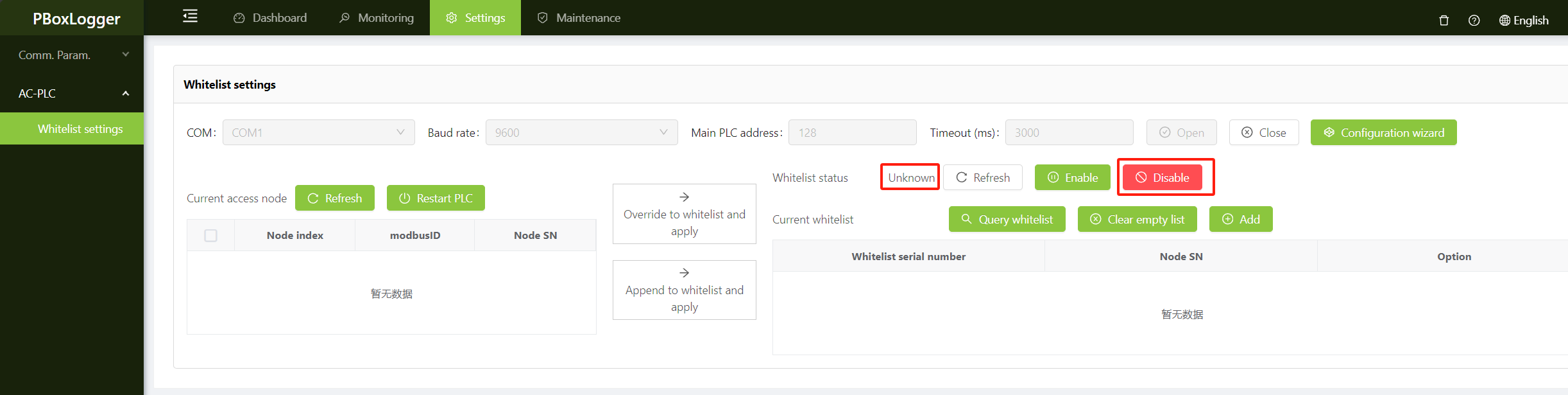
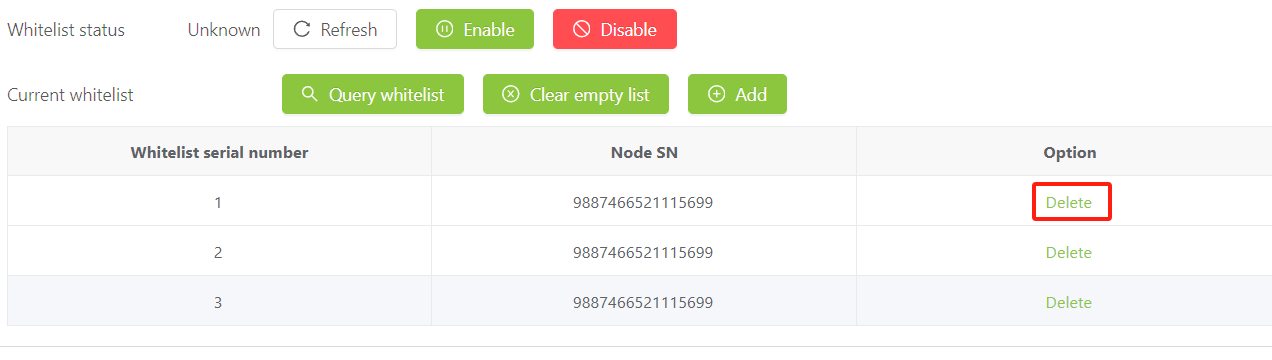
Check the current whitelist status. If unknown is displayed, click the refresh button on the right of unknown to refresh the current whitelist status;
If the whitelist status is Enable, then click the Disable button to temporarily disable the whitelist;
If the whitelist status is Disabled, proceed to the next step。
3.current network node is updated
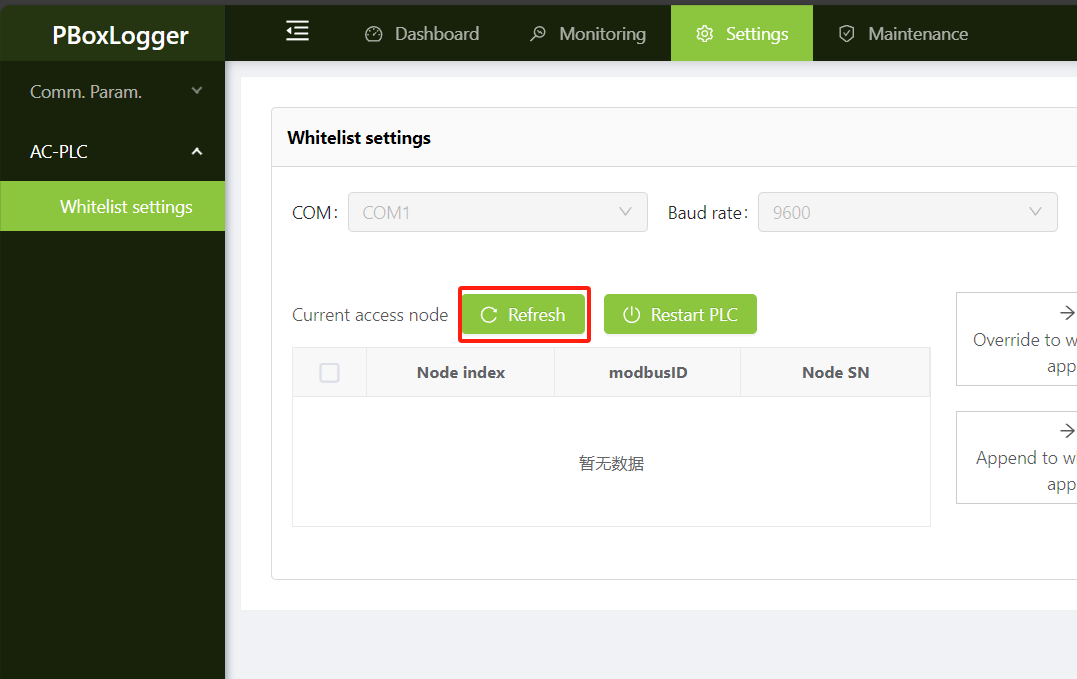
Refresh Current node until data appears in the list below;
If the whitelist is disabled, it takes about 10 seconds for a node to be connected to the network. If the node cannot be refreshed for a long time, check the serial port connection and try again。
4.Overwrite/append to whitelist and apply
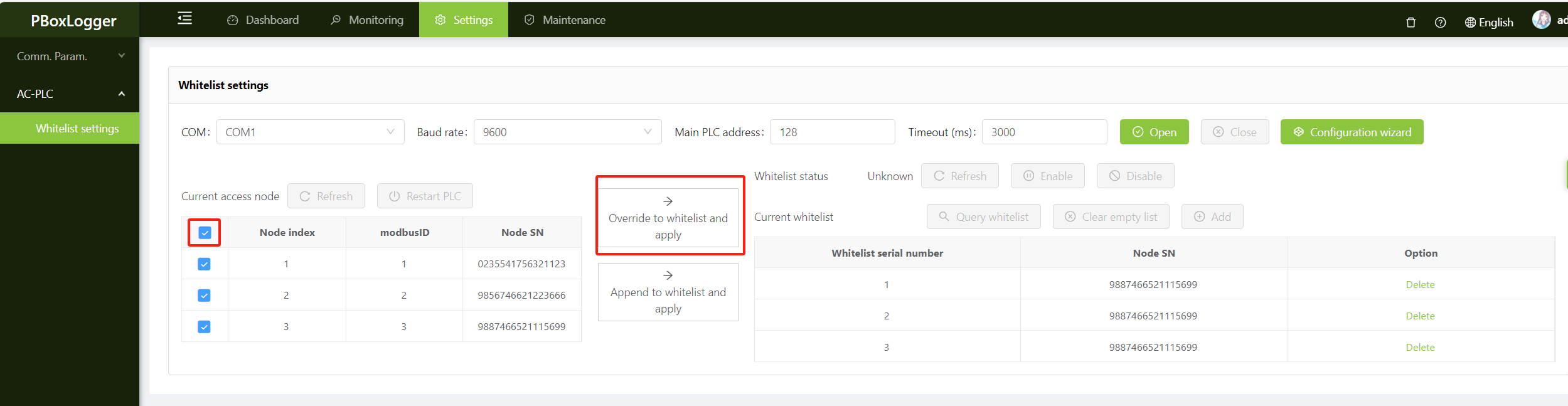
Check whether the updated node SN meets expectations. By default, all nodes are selected. You can deselect the nodes you do not want,
Then click the button Overlay to Whitelist and apply(recommended) or Add to whitelist and apply to send the whitelist to PLC。
5.Check the whitelist
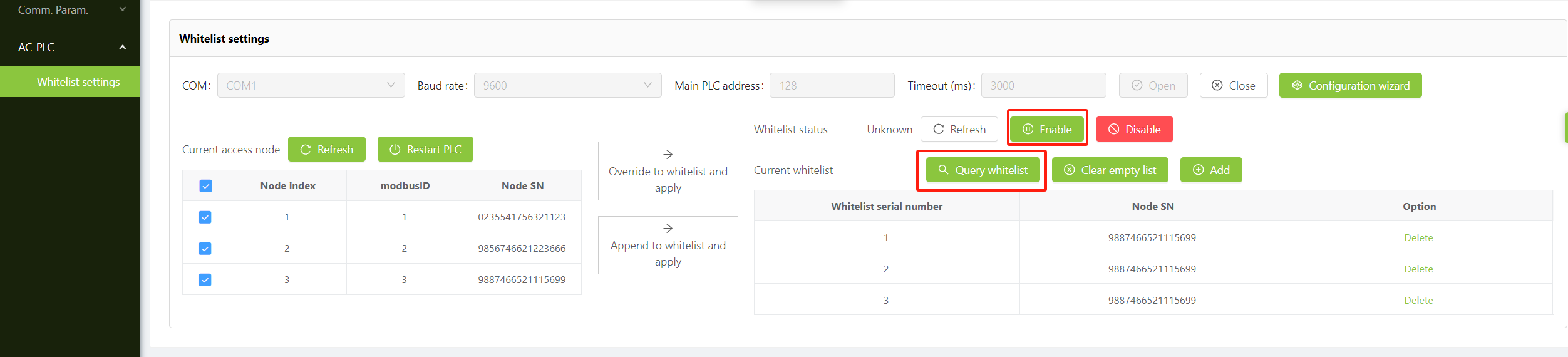
Click Query Whitelist button, check the content of the whitelist configured in the previous step, click Enable button to enable the whitelist。
6.Restart PLC
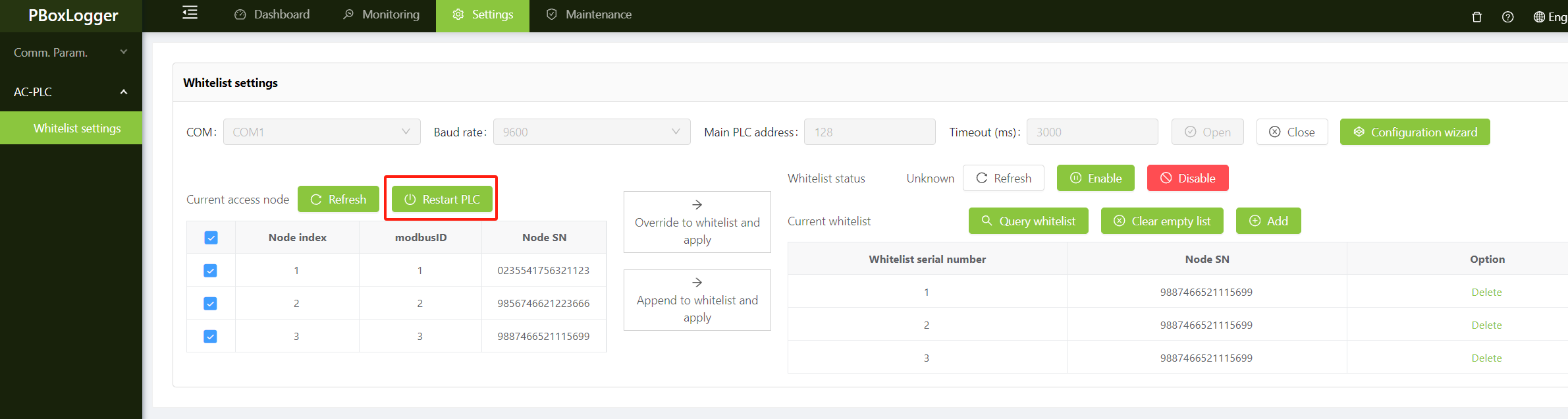
Click the Restart PLC button to restart the PLC。
7.Add, empty, and delete
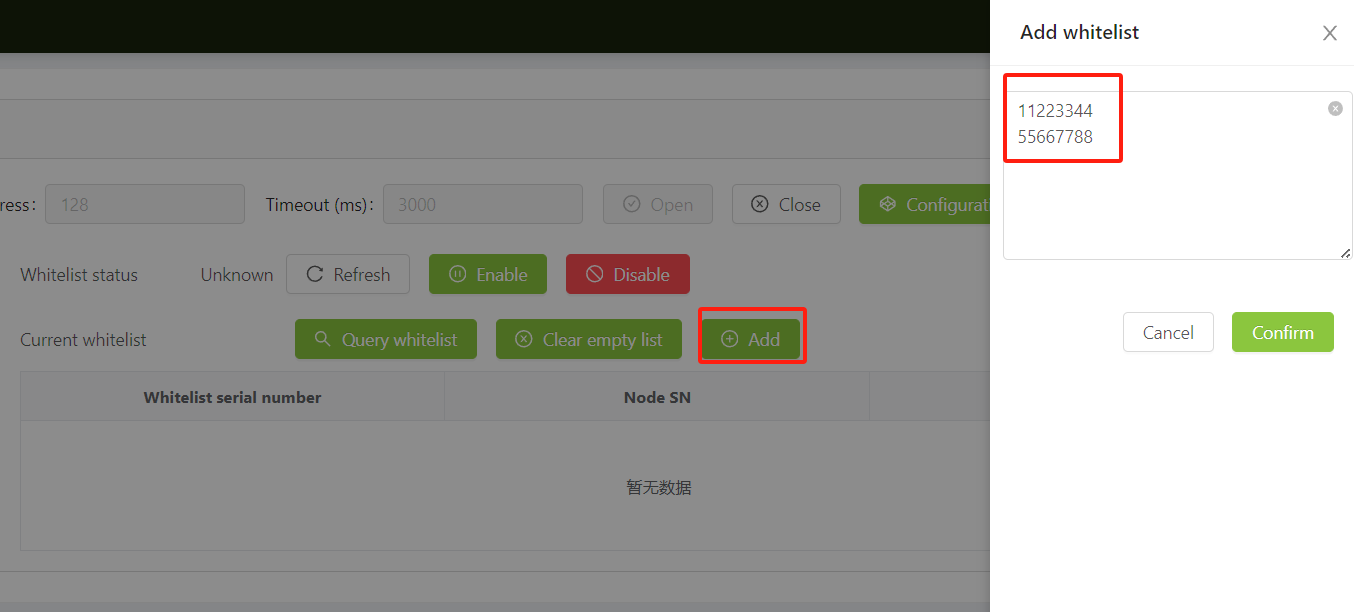
Click the Add button to manually add SN to the whitelist. If you add multiple SN's, separate them by newlines。
Note
The length of a single SN is up to 16 bits. The high bits less than 16 bits are automatically filled with zero, and the high bits more than 16 bits are automatically truncated。
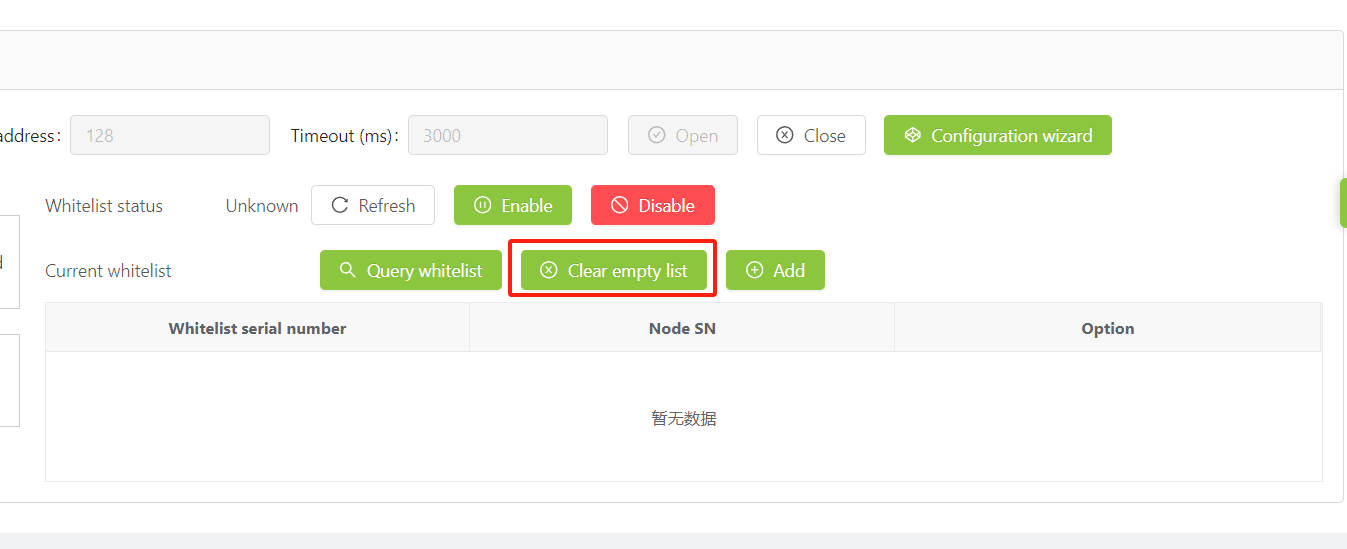
Click Clear blank list button, you can clear the current whitelist configuration, use caution。
Click Delete button, you can delete a whitelist record, will not take effect immediately, need to manually restart the PLC。
8.Close serial port
Click Close button to turn off the serial port, after the configuration is complete must close the serial port。
