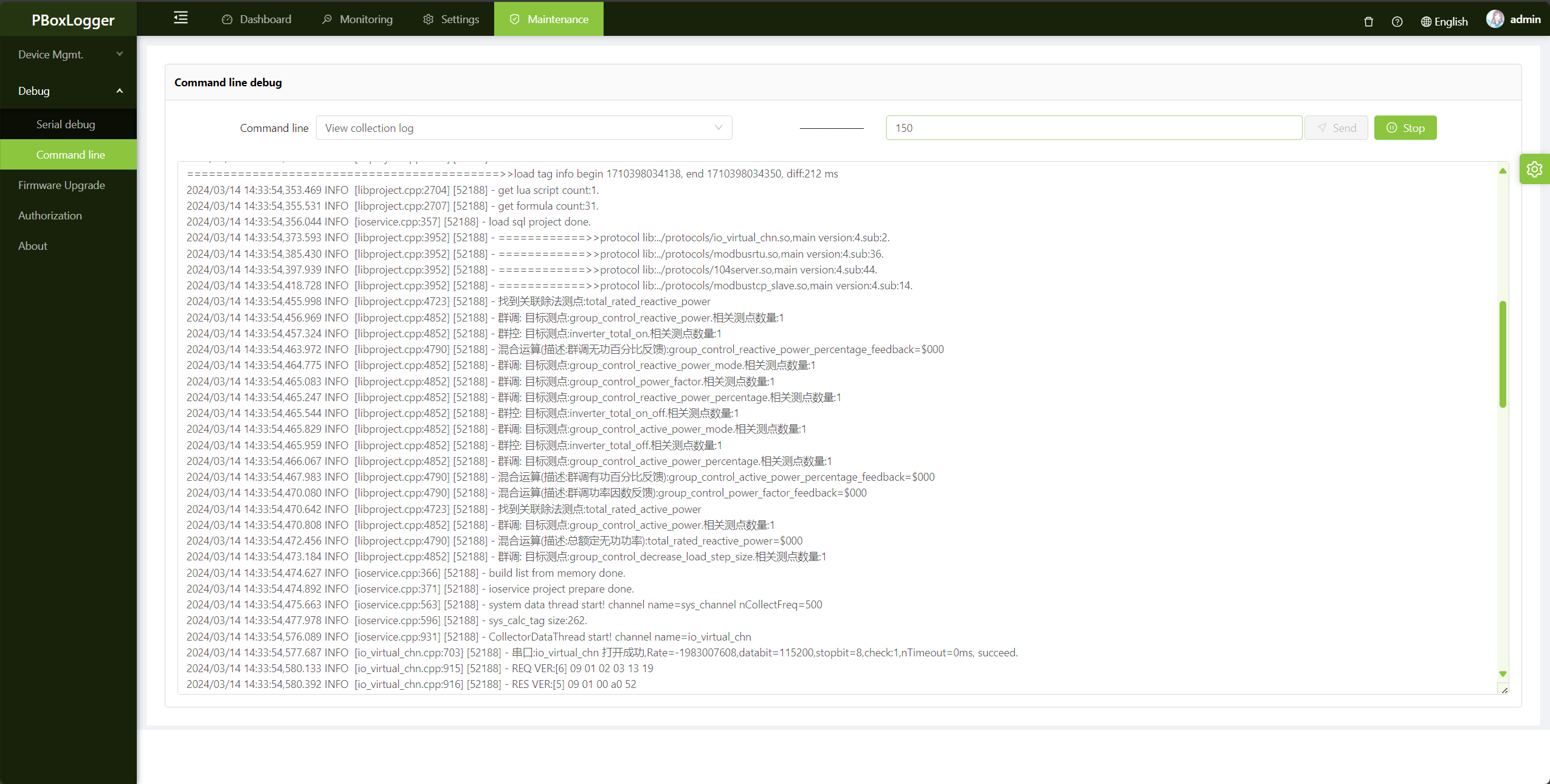
2.Command line debug
ping(Network test)
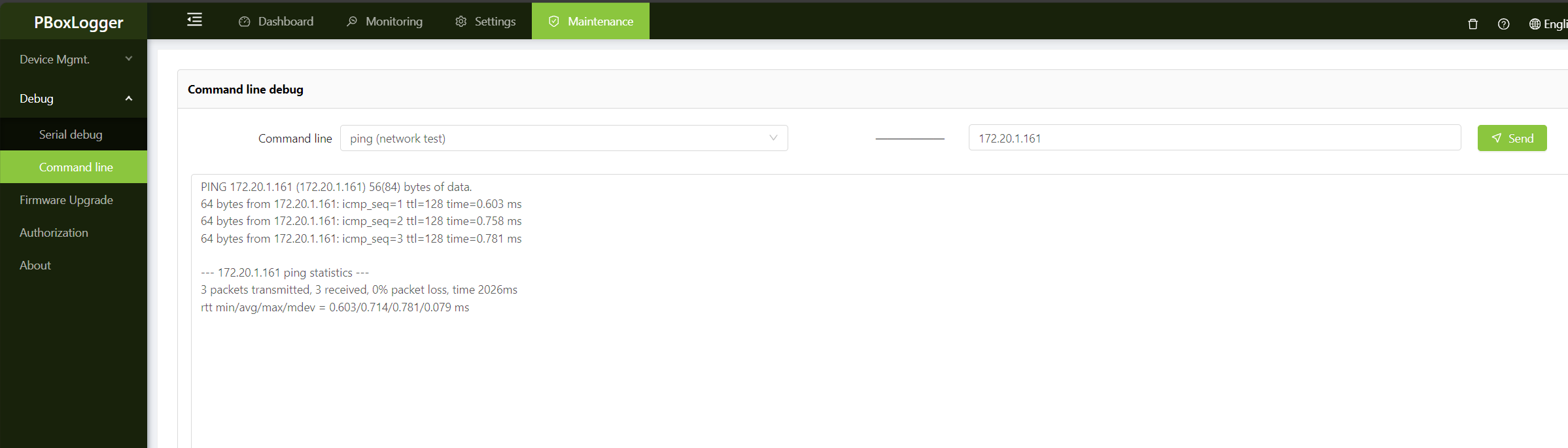
Select ping(network test) command, fill in the domain name or IP address to be tested in the right edit box, click send, you can ping test。
tip
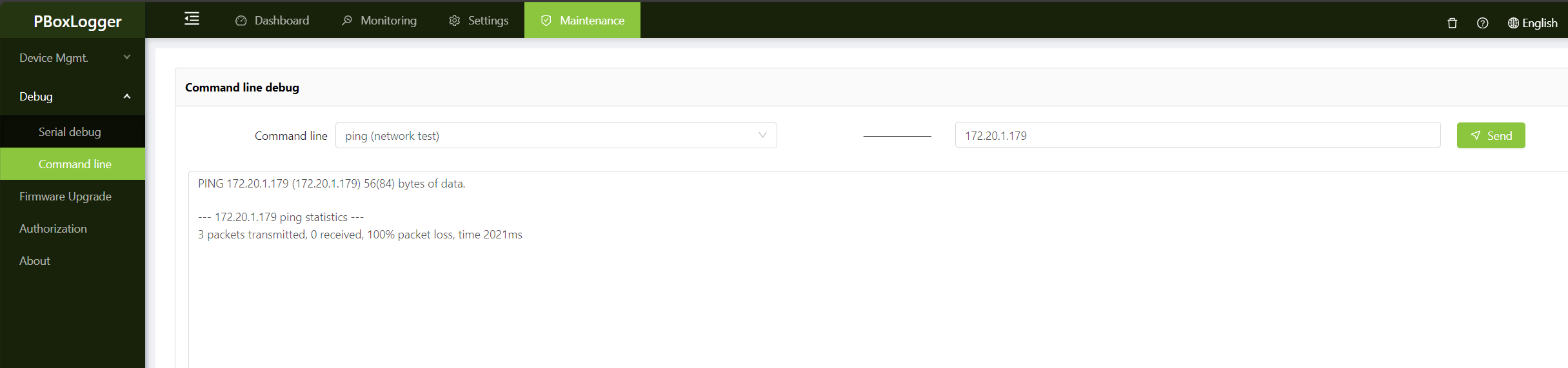
Some ip addresses (or domain names) cannot be pinged. In this case, use Port detection function
Network normal condition:
Network anomaly:
telnet(Port detection)
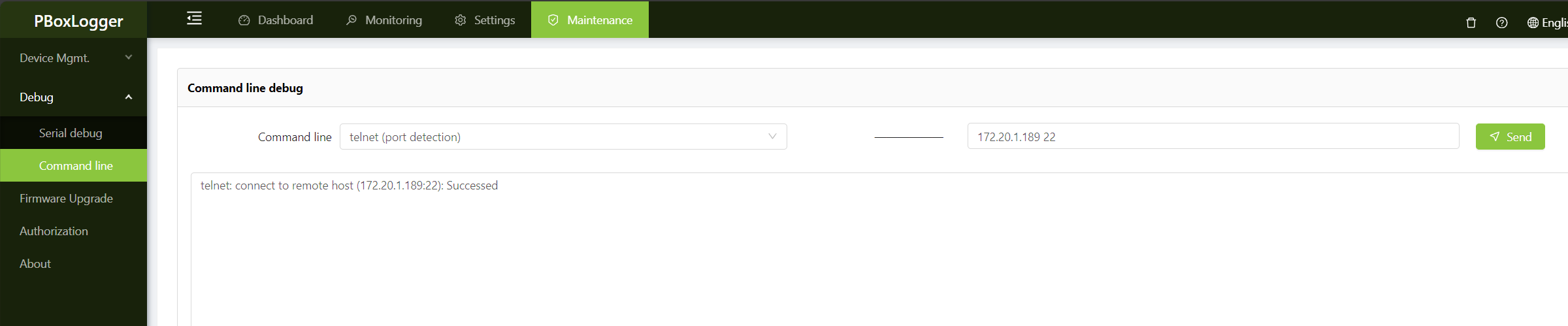
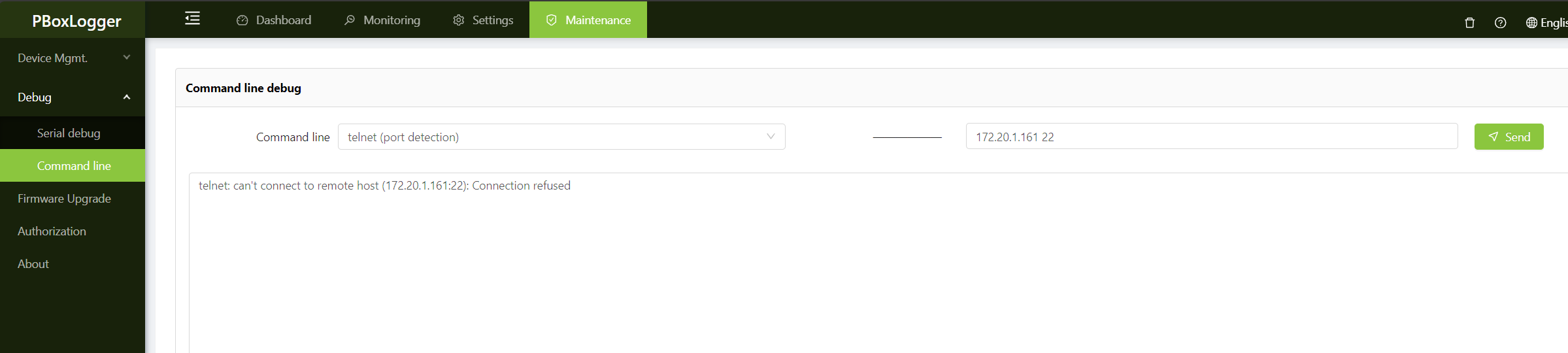
Select telnet(Port detection) command,The format is IP address (or domain name)+Space+Port number,In the following figure, although the gateway cannot ping 172.20.1.189(possibly because the 172.20.1.189 firewall is enabled), the port detection can be successful, which indicates that they can communicate with each other.
tip
Even if the port is successfully opened, the communication may fail. For example, the target machine has restrictions on the IP whitelist, connection number, and user name and password authentication。
The port under test is open:
The port under test is closed:
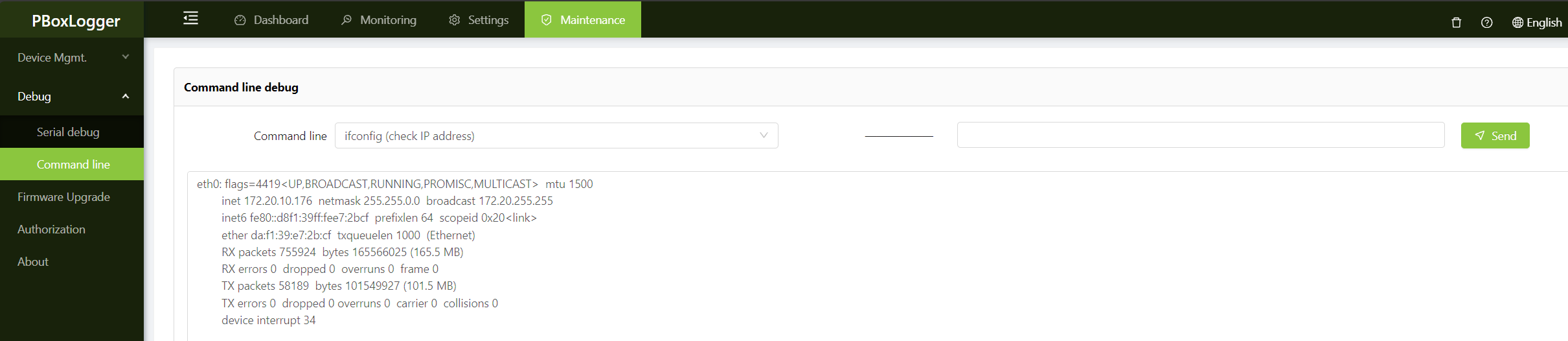
ifconfig(Check IP address)
Select the ifconfig(Check IP address) command. If no parameter is specified, the information about all nics is obtained. If the name of the target NIC is specified, only the information about the target NIC is obtained。
tip
eth0 corresponds to NET1, and so on。
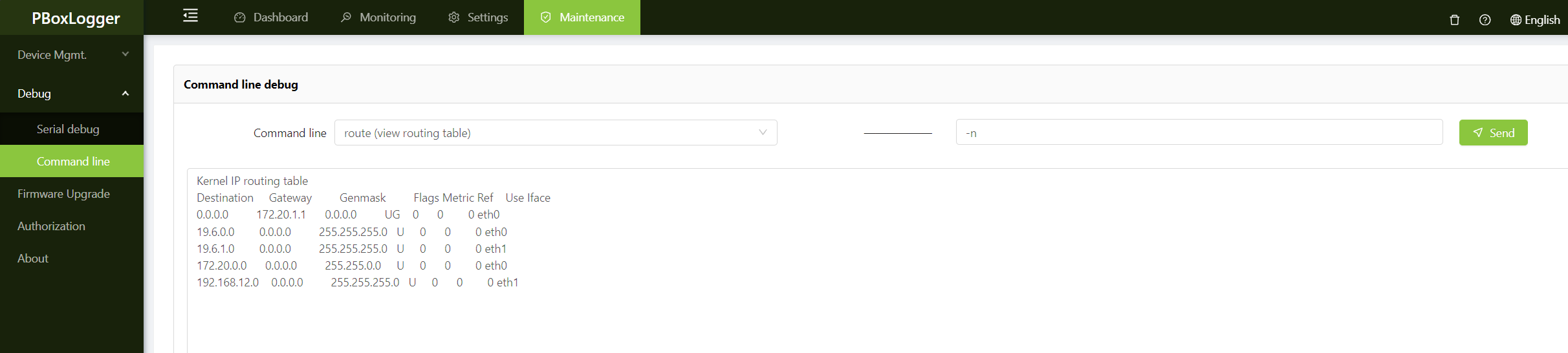
route(View Routing table)
Select the route(View Routing table) command, then the -n parameter will be automatically filled. Click ** to send ** to obtain the information of the current routing table 。
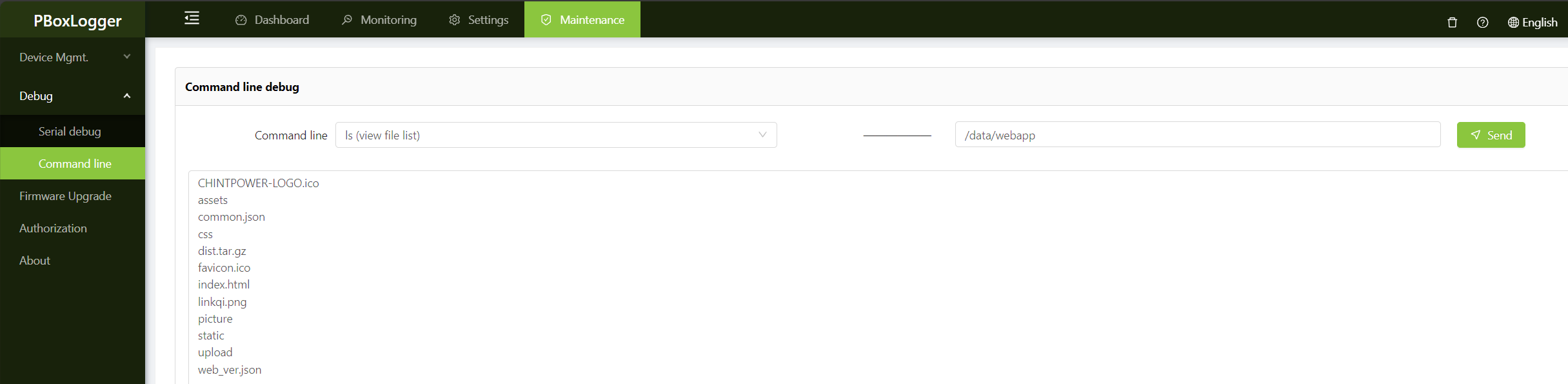
ls(view file list)
Select ls(view file list) command, enter the path, you can view the file list。
ps(View process list)
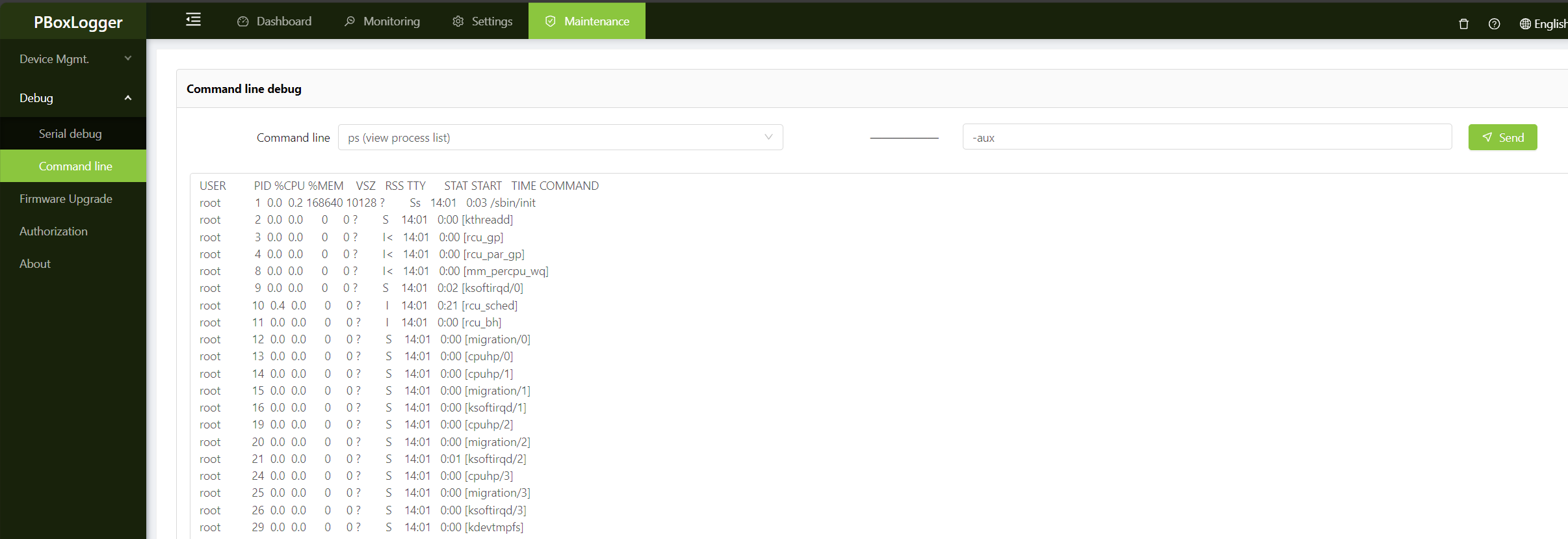
Select ps(View process list) command, at this time will automatically fill -aux parameter, you can view the process list。
tip
If the process list fails to be obtained, delete the default parameter -aux and try again。
uptime(View time information)
You can run the uptime(View time information) command to view the current time of the gateway, the running time, and the 1, 5, and 15-minute average load of the system。

df(check dist usage)
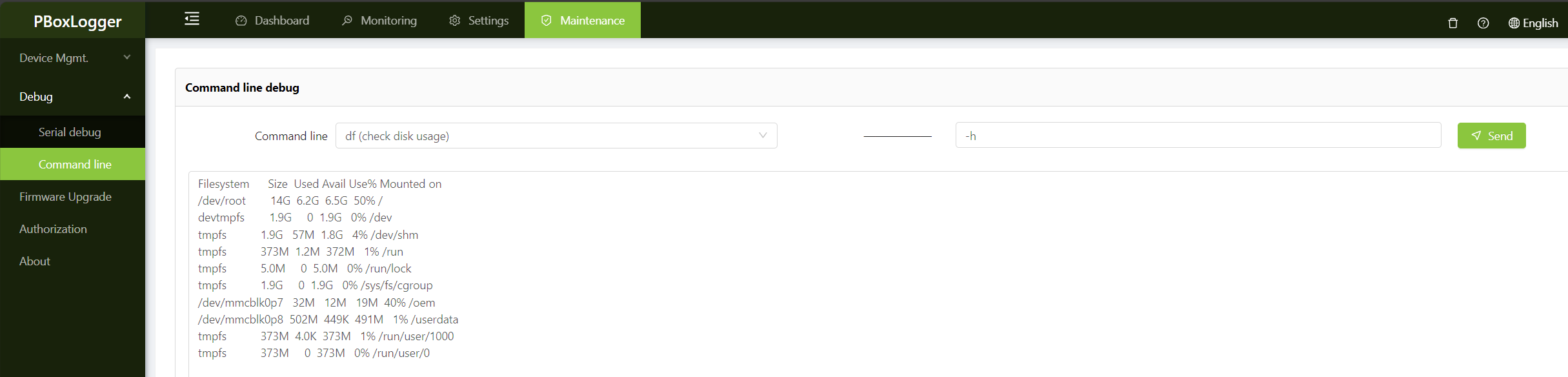
select df(check dist usage) command,You can view the current disk usage of the gateway。
get_pro_ver(check driver version number)
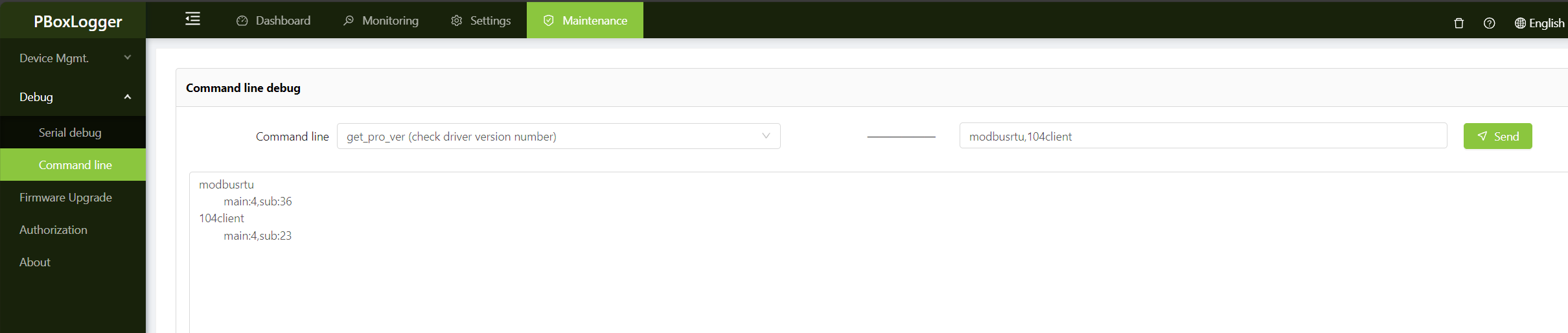
select get_pro_ver(check driver version number) command,You can see the current version number of the protocol driver, and the driver names can be separated by commas。
View logs
select View collection log command,Parameter 100 indicates the number of lines to view, the command is dynamically refreshed in real time, if no longer need to view, click ** Stop ** button;
You can view run logs, interface logs, collection logs, storage logs, restart logs, reset logs, operate logs and inverter operate logs.