4.Operation menu
Operation menu
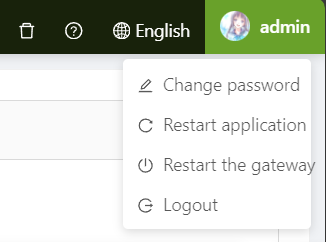
The upper-right corner of the top-level menu bar displays the current language and the login user. Click to pop up the operation menu。
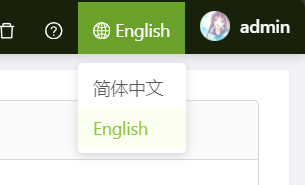
Modify language
Click Simplified to change the language to English. Currently, only simplified Chinese and English are supported。
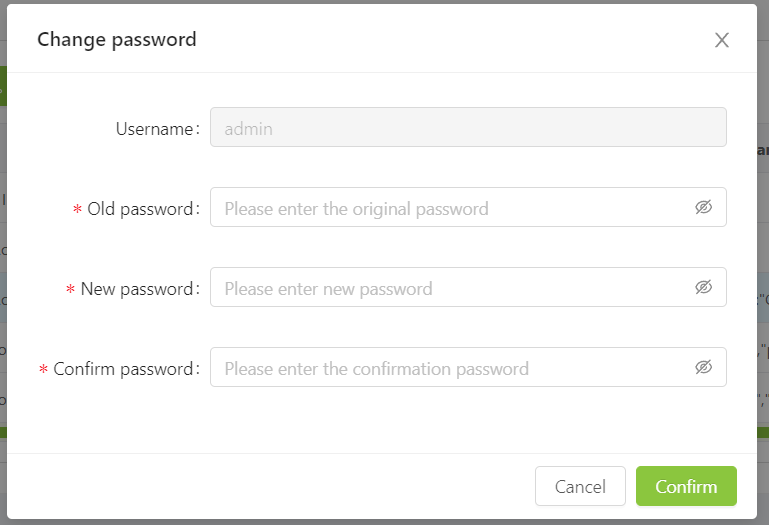
Change password
Click the login user, click Change password in the pop-up menu, you can change the password of the current account。
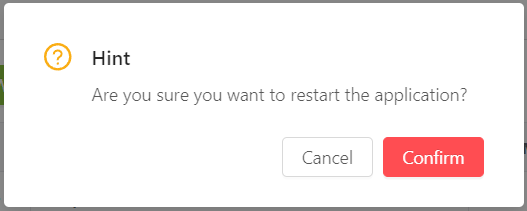
Restart application
Click the login user, click Restart application in the pop-up menu, you can restart the collection process and statistics and history storage process。
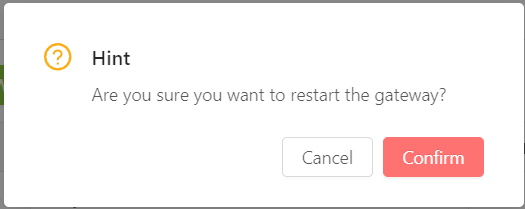
Restart gateway
Click the login user and click ** Restart Gateway ** in the pop-up menu to restart the gateway. After restarting the gateway, you need to log in again。
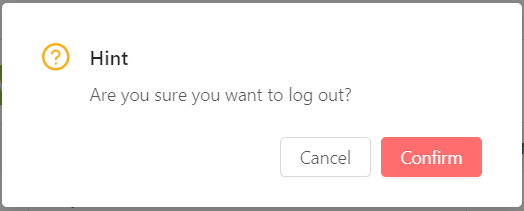
Log out
Click the login user, click Log out in the pop-up menu, you can log out。